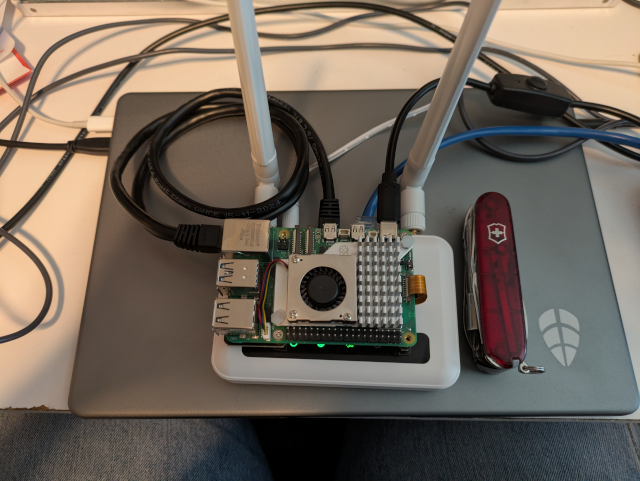
For self-hosting, I wanted to keep costs low. I see lots of people running relatively massive home servers. That’s cool, but I wanted to show that you don’t have to have massive resources. You could replace the Pi with just about any old computer as long as it runs Linux and is stable.
There's something satisfying about running your own server. No monthly hosting bills. No control panels owned by someone else. Just your hardware, your software, your rules.

This guide shows you how to self-host WordPress using Docker on a Raspberry Pi, NUC, or any spare computer. Along the way, you'll learn:
How Docker containers work together
Reverse proxies and SSL certificates
Backup strategies for databases and files
Basic server security
The stack is simple:
Container
Role
WordPress
The application (Apache + PHP)
MySQL 8.0
Database
Nginx Proxy Manager
Reverse proxy, SSL, domain routing
Is this the cheapest way to run a blog? Probably not—a $5/month VPS might be simpler. Is it the most reliable? Your home internet will go down eventually.

But if you want to *understand* how web hosting actually works, there's no better way than doing it yourself. Every problem you solve teaches you something. And when it's running on hardware you own, sitting in your closet or on your desk, it feels different than renting space on someone else's computer.